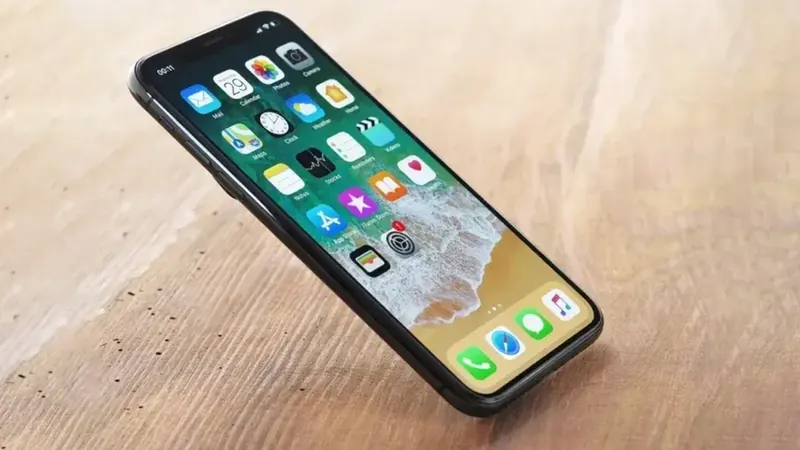
The holidays are a great time to help a parent or grandparent with technology. Maybe you're passing down your old phone, giving a new tablet or finally replacing a flip phone. A little setup time while you're together can make the difference between a device they love and one that sits in a drawer.
Here are the settings and habits we at We Fix Phones N More recommend to families setting up devices for older loved ones.
If you're handing down a phone or tablet you used, sign out of your accounts and erase it first so your messages and photos don't come along. Our guide on wiping a phone the right way covers the steps. Then set it up fresh under their own Apple ID or Google account and install the latest software update.
If the device is older, check the battery health before you wrap it up. A phone that dies by mid-afternoon will frustrate anyone. Our post on signs a battery needs replacing can help you tell.
Siri or Google Assistant can be a big help for someone who finds typing hard. Show them how to say "Call Sarah" or "Set a reminder to take my pills at 8."
Scam calls and texts often target older adults, so this part matters.
Turn on iCloud Backup or Google backup so their photos, contacts and messages are saved automatically. If the phone is ever lost or broken, everything can come back on a new device.
Fill in the Medical ID on iPhone or the emergency information on Android with medications, allergies and emergency contacts. First responders can see it from the lock screen.
Turn on Find My iPhone or Find My Device so a lost phone can be located. With their permission, location sharing can give the family peace of mind too.
Record their passcode, Apple ID or Google account email and password, and keep it somewhere safe that a trusted family member can reach. Getting locked out is much harder to fix than it is to prevent.
A sturdy case with good grip and a quality screen protector go a long way, especially for anyone whose hands aren't as steady as they used to be. Screen protectors from our shop carry a lifetime guarantee, and our guide on choosing a screen protector explains the options.
Before you head home, write a one-page guide in large print: how to answer and end a call, how to charge the device, how to video call the family and who to call for help. Practice each step together a couple of times.
If you'd like help moving data to a new phone, checking an older device or fixing a cracked screen before it becomes a gift, We Fix Phones N More is here to help. You can also browse our buy and sell options if you're looking for a device. Visit us at 801 County Line Rd in Horsham, serving families across Bucks and Montgomery counties, or call 215-323-4750.


Copyright © 2026 We Fix Phones N More. All rights reserved.