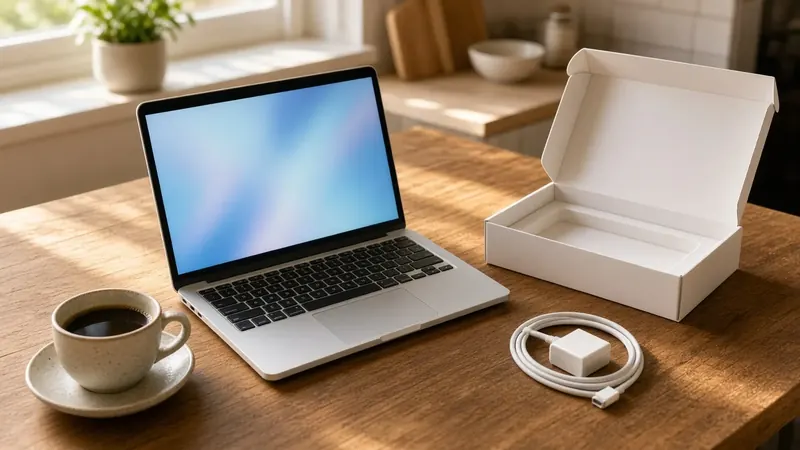
The holidays are a popular time to replace an old computer. Black Friday deals, a new laptop under the tree or a student heading back to school with a new machine all leave the same question: what do you do with the old one?
Whether you plan to sell it, trade it in, hand it down to a family member, donate it or recycle it, the most important step is the same. Get your information off it, and make sure the next person can't get it back. At We Fix Phones N More, we help customers do this every holiday season. Here's how to do it the right way.
Your computer may hold saved passwords, email, tax returns, banking information, photos and work documents. Dragging files to the Trash or Recycle Bin doesn't truly erase them, and deleted files can often be recovered with the right tools. A proper reset or erase is what protects you.
If you're moving to a new computer, our post on setting up a new laptop covers the next steps.
Open Settings and go to the Recovery section. In Windows 11, it's under System. In Windows 10, it's under Update & Security. Choose Reset this PC, then Remove everything. When you see the option to clean the drive, turn it on. This takes longer, but it makes your old files much harder to recover. Windows will reinstall itself, leaving a fresh computer ready for its next owner.
On Macs with Apple silicon, and Intel Macs with the T2 security chip, running macOS Monterey or later, use Erase All Content and Settings. In current versions of macOS, it's in System Settings under General, then Transfer or Reset. It erases your data and settings and signs you out of your Apple Account.
Start the Mac in macOS Recovery, use Disk Utility to erase the main drive, then reinstall macOS from the Recovery menu. If you're unsure which steps apply to your Mac, bring it in and we'll help.
A dead computer can still have all your data on its drive. Don't recycle it with the drive inside if you care about what's on it. We can remove the drive so you can keep it, copy your files to a new device or drive first, and handle the rest. If the drive has problems, our data recovery team may be able to save your files. Our post on signs a hard drive is failing explains what to watch for.
Getting rid of a phone too? Read our guide to wiping your phone before you sell it.
If you'd rather not do it yourself, or you're not sure your files are safely backed up, stop by We Fix Phones N More at 801 County Line Rd in Horsham. We can back up your data, move it to your new computer and wipe the old one. Learn more about our computer repair services. We serve customers across Bucks and Montgomery counties. Visit us or call 215-323-4750.


Copyright © 2026 We Fix Phones N More. All rights reserved.