Fall and the holiday season are when a lot of people upgrade their phones. Unboxing a new device is fun. Discovering a week later that your text history, two-factor codes or a year of photos didn't come along is not.
The good news is that iPhones and Android phones have solid built-in tools for moving data. The key is preparing before you start and checking your work before you wipe the old phone. Here's a practical walkthrough from We Fix Phones N More.
On an iPhone, check that an iCloud backup completed recently, or back up to a computer. On Android, look for Google backup in Settings and confirm it ran recently. Samsung owners can also use Samsung Cloud or Smart Switch to a computer. A fresh backup is your safety net if the direct transfer hiccups.
Make sure you know your Apple ID or Google account password, plus your email password. You'll need them on the new phone, and recovering a forgotten account in the middle of setup is a hassle.
Transfers can take a while, especially with lots of photos and videos. Keep both phones plugged in or well charged, and use a strong Wi-Fi connection.
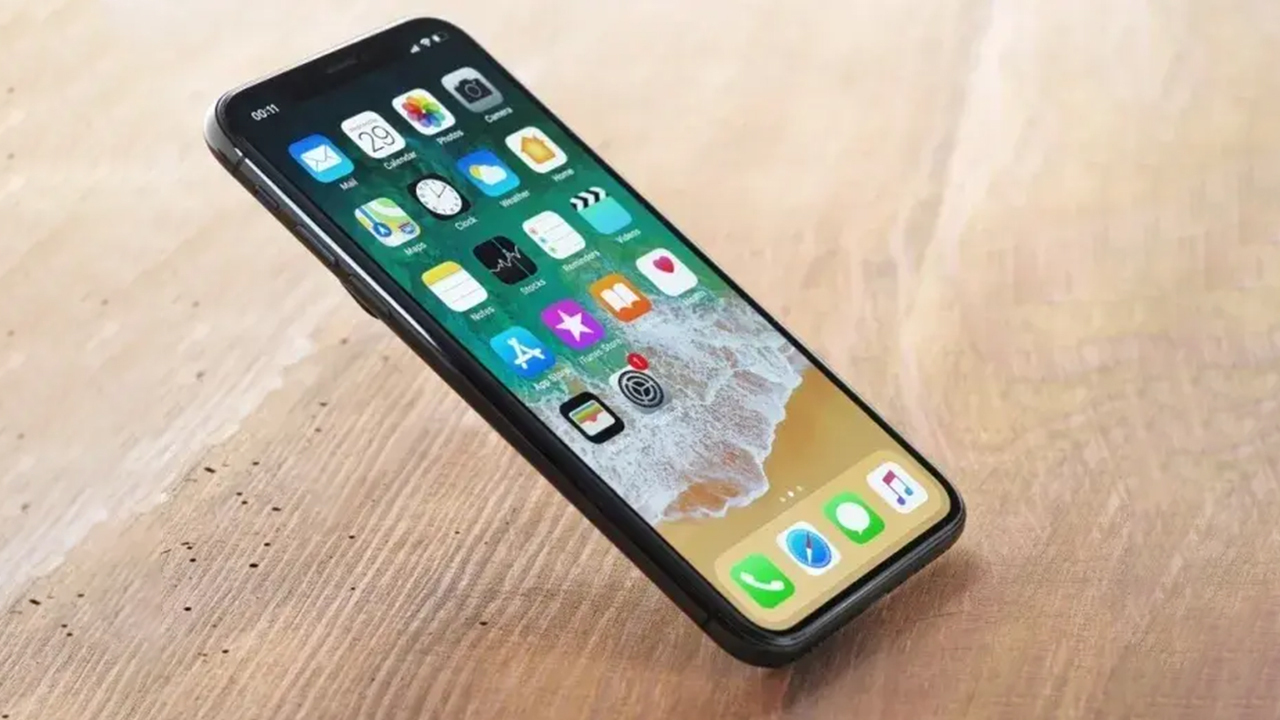
Apple's Quick Start appears when you turn on a new iPhone near your old one. It can move your settings, apps and data directly from phone to phone, or you can restore from an iCloud backup during setup.
During setup, most Android phones offer to copy apps and data from your old phone using a cable or wirelessly. Samsung phones use Smart Switch for this, which works from many other Android brands too.
Moving to an iPhone? Apple's Move to iOS app on your Android phone transfers contacts, messages, photos and more during setup. Going the other way, Google offers tools to move data from an iPhone to an Android phone, and Samsung's Smart Switch can also import from an iPhone. Not everything transfers across platforms, so expect to redownload apps and set some things up again.
Give yourself a few days. Make calls, send texts, open your banking and work apps, and scroll back through your photos. Once you're confident everything is on the new phone, you can wipe the old one. Our guide to wiping your phone before you sell it covers how to do that properly, including signing out of your accounts so the next owner isn't locked out.
A working older phone can still be useful as a backup device, a kid's first phone, or something to sell or trade. We Fix Phones N More buys and sells phones, so stop in if you'd like to see what yours might be worth.
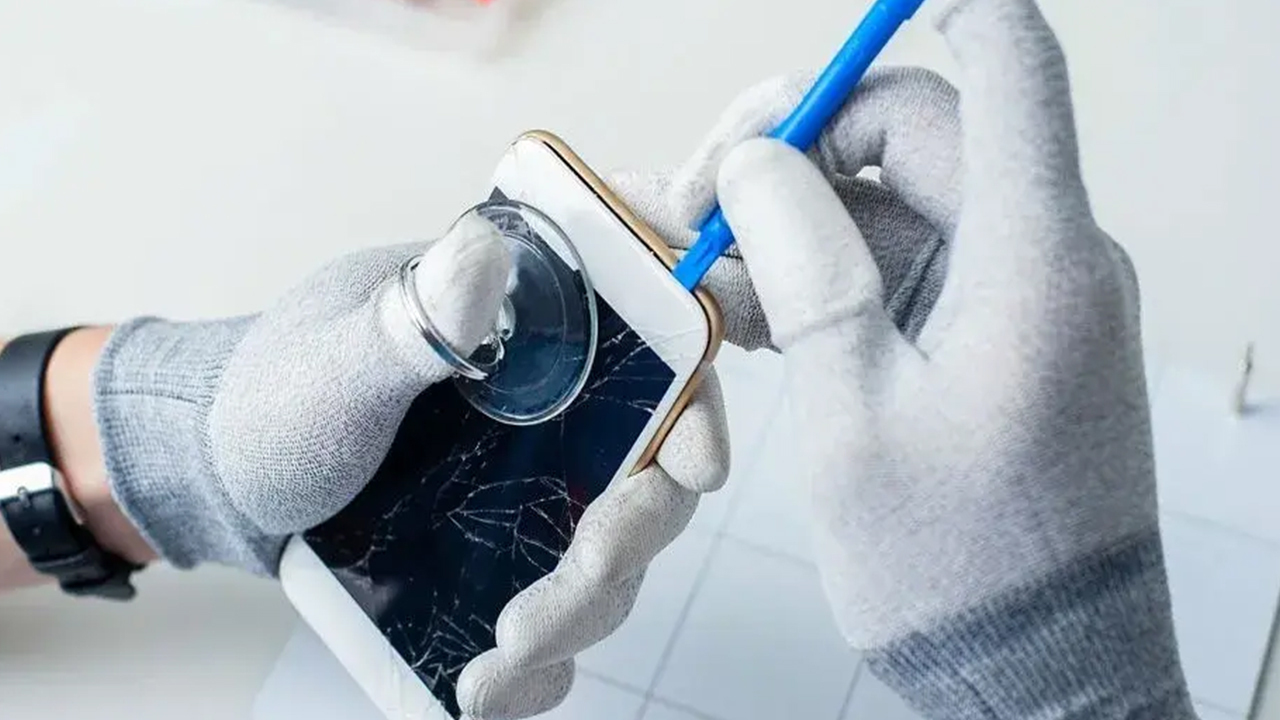
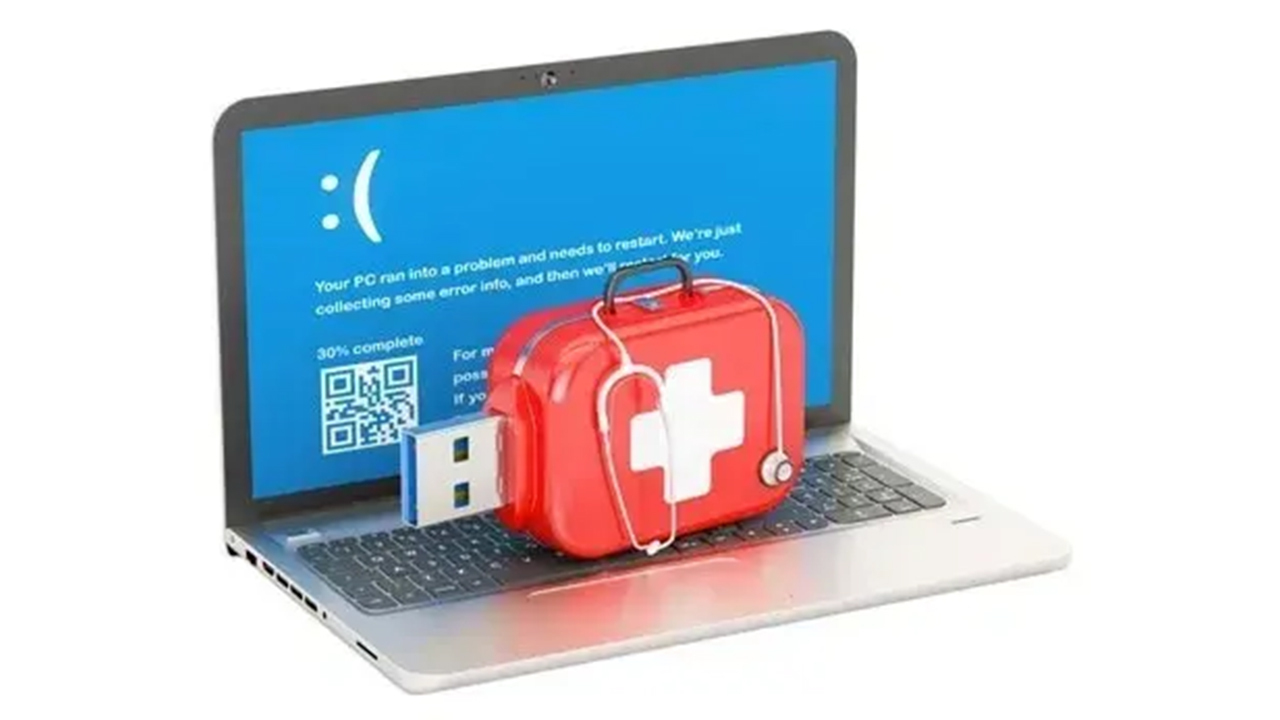
A cracked screen, a phone that won't charge, or one that won't turn on can make a normal transfer impossible. In many cases a repair to the screen, charging port or battery gets the old phone working long enough to move your data. If the phone is badly damaged, ask about data recovery before you give up on those photos and contacts.
If your transfer stalled, your old phone needs phone repair first, or you just want a second set of eyes before you wipe it, visit We Fix Phones N More at 801 County Line Rd in Horsham. Call 215-323-4750 or request a quote online. We're glad to help customers from Bucks and Montgomery counties start fresh with their new phones.


Copyright © 2026 We Fix Phones N More. All rights reserved.