Few things are more frustrating than plugging in your phone and getting nothing. Before you assume the battery is dead or that you need a new phone, check the charging port. At our Horsham shop, a dirty or damaged port is one of the most common reasons a phone won't charge, and many of those cases are fixable.
Here's what to try at home, what to avoid, and when to bring it to We Fix Phones N More.
Cables wear out long before phones do. Frayed ends, bent connectors and weak chargers are everyday culprits. Test with a known-good cable and wall adapter that match your phone. If you usually charge from a laptop or car port, try a wall outlet. Wireless charging, if your phone supports it, is a quick way to see whether the phone still takes power.
A stuck charge indicator can look like a hardware failure. Restart the phone, then plug it in again. On an iPhone, a liquid detection alert means moisture is in the port. Unplug and wait until the alert clears before charging. Don't force a charge while that warning is showing.
If the phone only charges when the cable is held at a certain angle, or the connection cuts in and out, the port or cable tip is the likely problem rather than the battery alone.
Pockets collect lint. Over months, that fuzz packs into the charging port and keeps the cable from seating fully. From the outside the port can look empty, but a thin layer at the bottom is enough to block contact.
Power the phone off. Use a bright light and look into the port. If you see compacted lint, gently tease it out with a wooden or plastic toothpick, or a soft brush. Work slowly and keep the tip away from the metal pins or pads inside. Hold the phone with the port facing down so debris falls out.
Skip metal pins, paper clips and sewing needles. Those can short the contacts or scrape the plating. Avoid soaking the port with liquids or blasting it with high-pressure canned air, which can drive grit deeper. After a careful clean, try the cable again. You should feel it seat more firmly than before.
Cleaning doesn't always solve it. Ports take a beating from daily plugging and the occasional yank on the cord. Watch for:
Past liquid exposure can also leave residue on the contacts even after the phone seems dry. If the phone was wet recently, don't keep forcing a cable in. A professional inspection is safer.
If the plug stops short, something is in the way or the port is damaged. Pushing harder can break the port or the board underneath.
That partial connection can heat up or wear the contacts faster. Use wireless charging temporarily if you have it until the port can be checked.
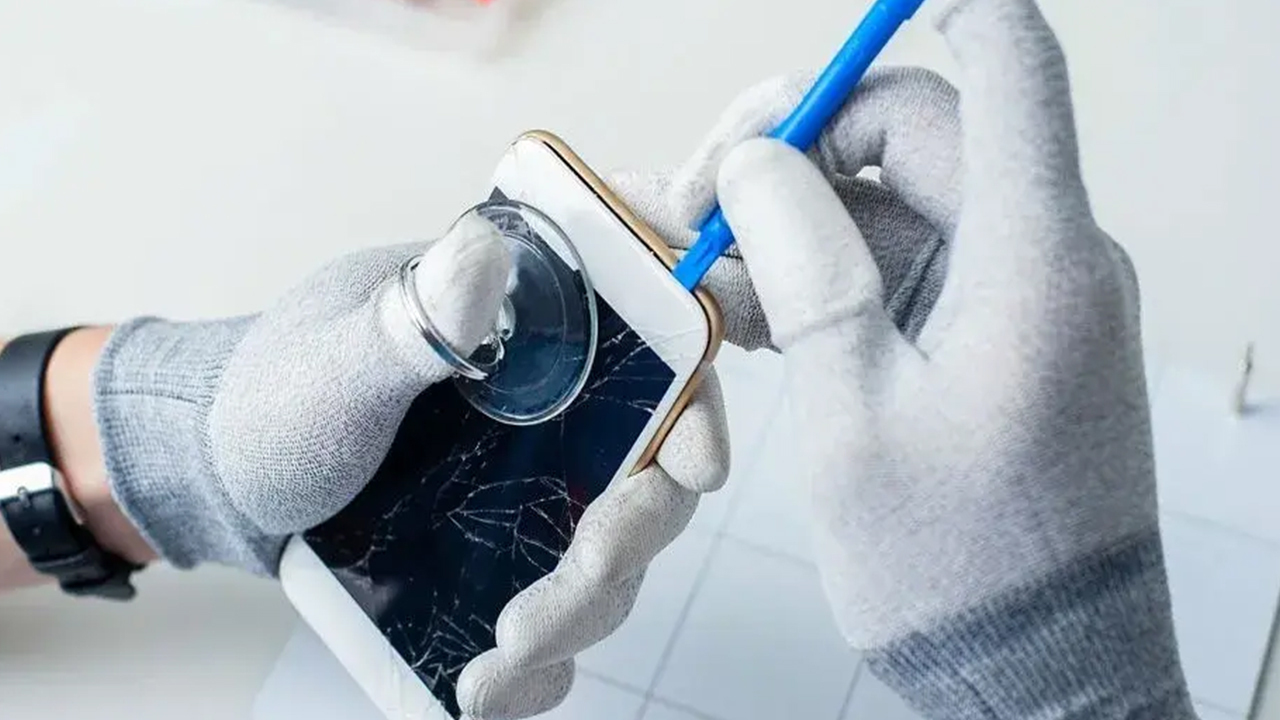
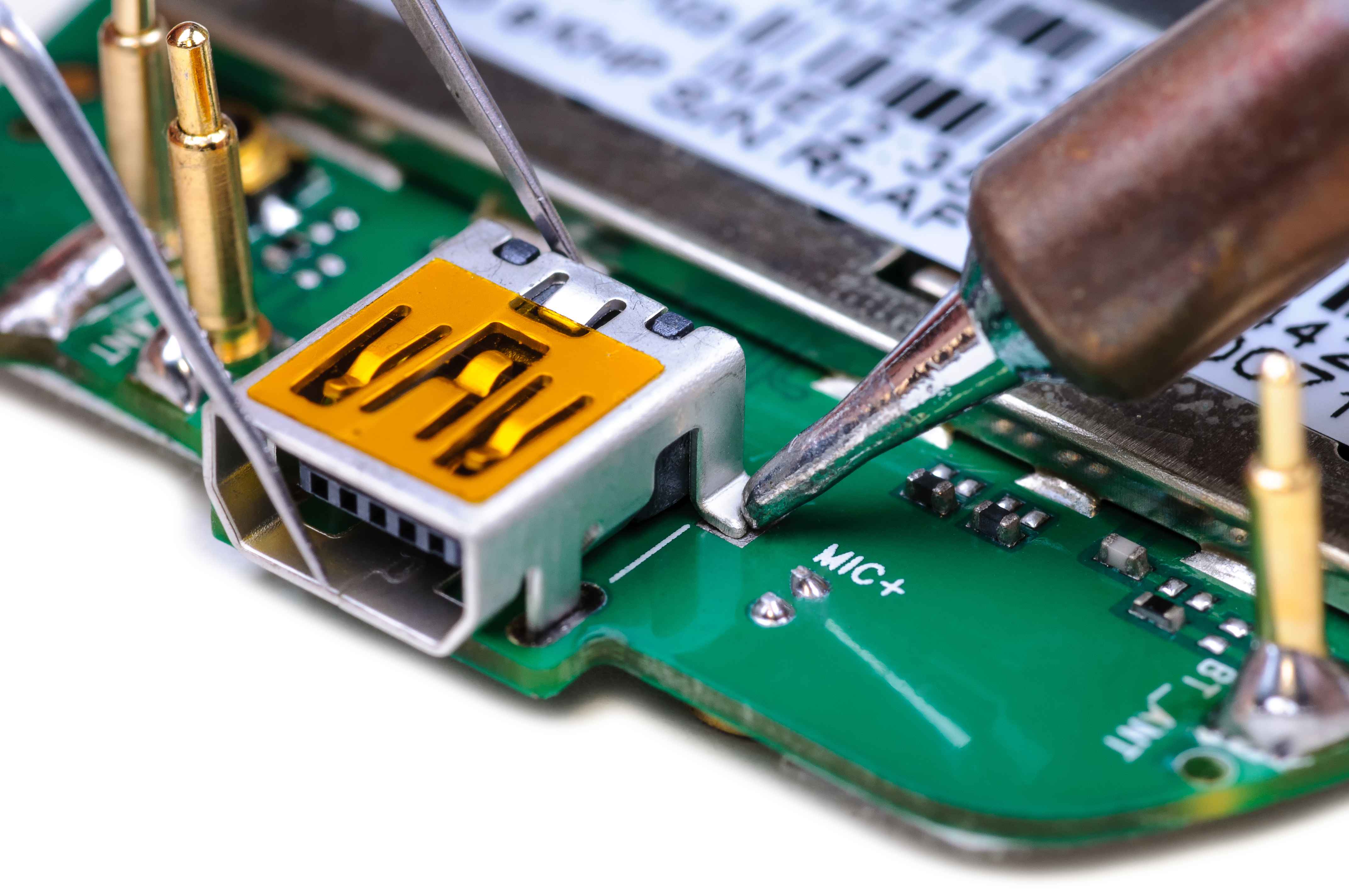
Charging ports are often soldered or seated deep in the phone. A rushed DIY attempt can damage the logic board or battery connector and turn a straightforward repair into a much bigger job.
When the cable and cleaning aren't enough, we diagnose the whole charging path: port, flex cable, board connections and battery health. We handle this work for iPhones, Samsung Galaxy phones, iPads and many other devices on our phone repair page.
Diagnostics are free. We'll tell you what we find and give you a quote before any work starts. Every repair is backed by our 90-day warranty on parts and labor.
You can request a quote online or book an appointment. Walk-ins are always welcome.
We're at 801 County Line Rd in the Graeme Park Shopping Plaza, serving Bucks and Montgomery counties, including Warminster, Hatboro and Willow Grove. Walk in Monday through Friday from 9am to 7pm or Saturday from 9am to 5pm, or call 215-323-4750. If your phone won't charge, bring it by and we'll take a look.


Copyright © 2026 We Fix Phones N More. All rights reserved.


.jpeg)
.jpeg)