That sickening crack when your phone hits the pavement is a feeling we all know. The good news is that a cracked screen is one of the most common repairs we see at our Horsham shop, and a few smart moves before your repair can keep a small problem from turning into a bigger one.
Broken glass can slice a fingertip or shed tiny shards into your pocket. If the screen is shattered, put a piece of clear packing tape or an inexpensive screen protector over it to hold everything together until your repair. Use light pressure, since pushing hard on cracked glass can damage the display underneath.
Sometimes only the outer glass is cracked and everything underneath still works. Other times the display itself is damaged. Watch for:
A drop can damage the touch layer even when the glass looks fine. Thankfully, a screen replacement fixes touch problems too, and it replaces the entire front glass no matter how badly the old one is broken.
Cracks tend to spread, and a phone that works today might be unusable tomorrow. While you can still see the screen, back up your photos, contacts and messages to iCloud, Google or your computer. With most repairs there's very little chance of losing data, but a fresh backup gives you peace of mind no matter what.
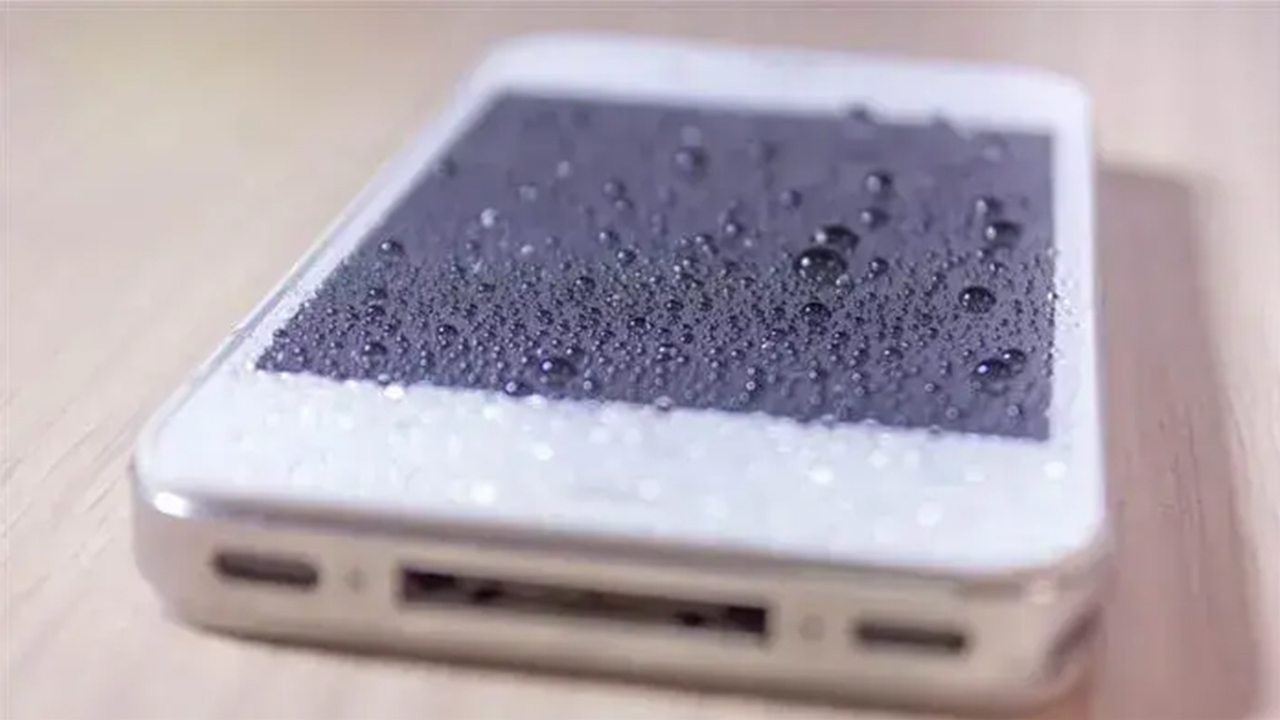
Heavy use on a badly cracked screen invites more damage. Cracks also let dust and moisture inside, and a cracked phone has lost much of its water resistance, so keep it away from sinks, pools and rain until it's fixed.
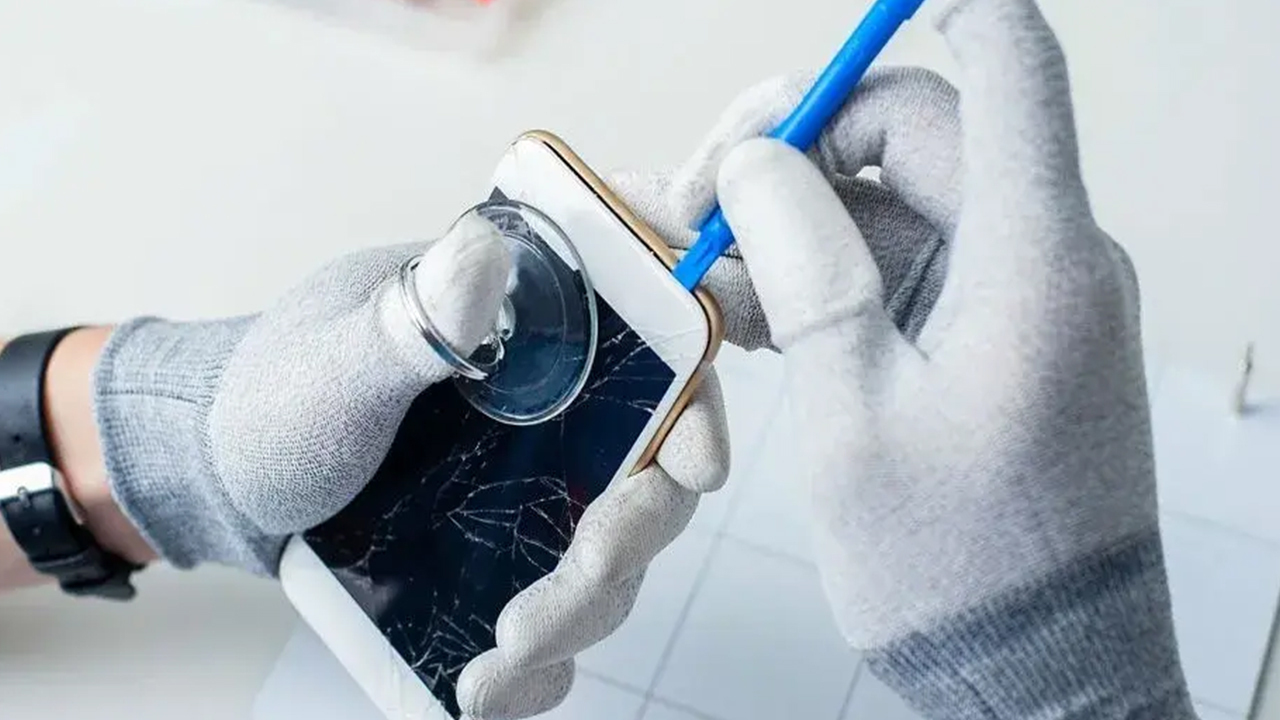
Glue and resin kits that promise to fill in cracks rarely work on phone screens and can make the professional repair harder. Online videos that show how to replace a screen yourself make it look easy, but it's easy to tear a delicate ribbon cable or damage the Face ID or fingerprint components.
If the screen is pushing up and away from the frame instead of cracking, the problem might be a swollen battery behind it. Stop charging the phone, don't press the screen back down, and bring it in right away.
We handle screen repair for iPhones, Samsung Galaxy phones and iPads and tablets, plus plenty of other models on our phone repair page. Diagnostics are free, and many repairs are done the same day.
Our 90-day warranty covers parts and labor, meaning a rare defective part or a mistake on our end. It doesn't cover new drops or cracks, so a little protection goes a long way. We carry Axiom Armor screen protectors for $30, which come with a lifetime guarantee if they scratch or peel, and a tempered glass option for $15. Pair either one with a good case and you'll be in much better shape the next time your phone takes a tumble.
We're at 801 County Line Rd in the Graeme Park Shopping Plaza, close to Warrington, Doylestown and Hatboro. Walk in Monday through Friday from 9am to 7pm or Saturday from 9am to 5pm, or call 215-323-4750 to talk about your repair.


Copyright © 2026 We Fix Phones N More. All rights reserved.