It always seems to happen at the worst moment. You're about to snap a photo at a school concert or a holiday dinner, and your phone says there isn't enough storage. Or a software update won't install, apps start crashing, and the whole phone feels sluggish.
A full phone is one of the most common frustrations we hear about at We Fix Phones N More, and the fix usually doesn't require a new phone. Here's how to find out what's taking up space and clear it out safely, without losing the things you care about.
Your phone needs some free space to work smoothly. It uses that room for temporary files, app updates and system updates. When storage is nearly full, you may notice:
Keeping a healthy cushion of free space helps the phone run better day to day.
Before you delete anything, find out where the space is going. The biggest culprits are usually photos, videos, message attachments and a few large apps.
Go to Settings, then General, then iPhone Storage. You'll see a color-coded bar and a list of apps sorted by size. Your iPhone may also offer recommendations here, such as offloading apps you rarely use or reviewing large attachments in Messages.
Open Settings and look for Storage. On Samsung Galaxy phones, it's under Settings, then Battery and Device Care (or Device Care), then Storage. Many Android phones also have the Files by Google app, which can suggest junk files, duplicates and large items to remove.
Photos and videos are usually the biggest storage hog. On iPhone, iCloud Photos has an Optimize iPhone Storage option that keeps full-resolution originals in iCloud and smaller versions on the phone. On Android, Google Photos has a Free Up Space option that removes copies from the phone once they're safely backed up. Before you use either one, open the app and confirm your recent photos actually finished backing up.
Deleted photos don't free up space right away. They move to Recently Deleted on iPhone, or Trash or Recycle Bin on Android, for a while first. Once you're sure you don't need them, emptying that folder gives the space back. Take a careful look before you do, since emptying it makes recovery much harder. Our post on recovering deleted photos explains how those folders work.
Years of group chats full of videos and GIFs add up. On iPhone, you can review large attachments from the iPhone Storage screen, or choose how long to keep messages under Settings, then Messages. On Android, open your messaging app and delete old threads with lots of media, after saving anything you want to keep.
Scroll through your app list and remove games and apps you haven't opened in months. On iPhone, offloading an app removes the app itself but keeps its documents and data, so you can reinstall it later and pick up where you left off.
Streaming apps often save episodes, playlists and movies for offline use. Open each app's downloads section and delete what you've already finished.
If you've cleaned up and you're still always near the limit, you may simply need more room. Paying for more cloud storage is one option. Another is moving to a phone with more built-in storage. We Fix Phones N More buys and sells phones, so stop in if you'd like to talk about upgrading. Our guide to moving your data to a new phone can help you switch without losing anything.
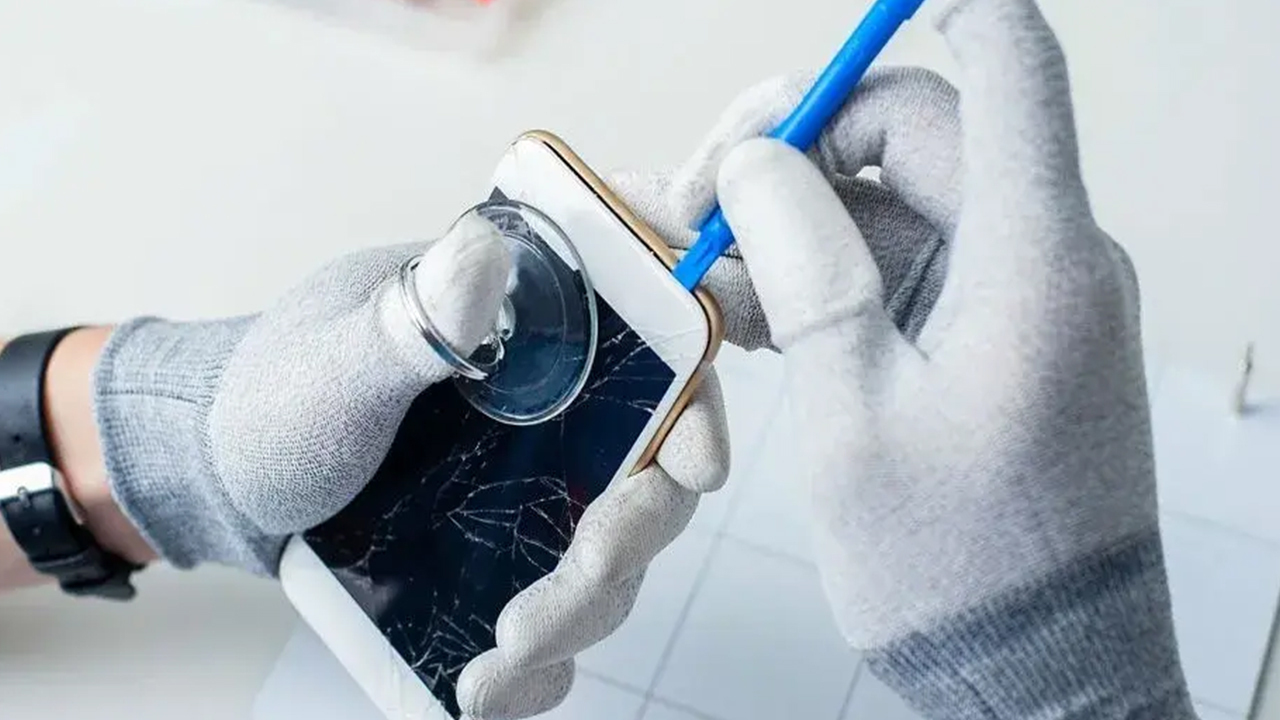
If your phone is slow or acting up even after you've freed up space, something else may be going on, such as a worn battery or another hardware issue. Our phone repair team can take a look, and if important photos are stuck on a phone that won't cooperate, ask about data recovery.
Not sure what's safe to delete, or want help getting your photos backed up first? Visit We Fix Phones N More at 801 County Line Rd in Horsham, or call 215-323-4750. We're happy to help neighbors from Bucks and Montgomery counties get their phones running smoothly again.


Copyright © 2026 We Fix Phones N More. All rights reserved.