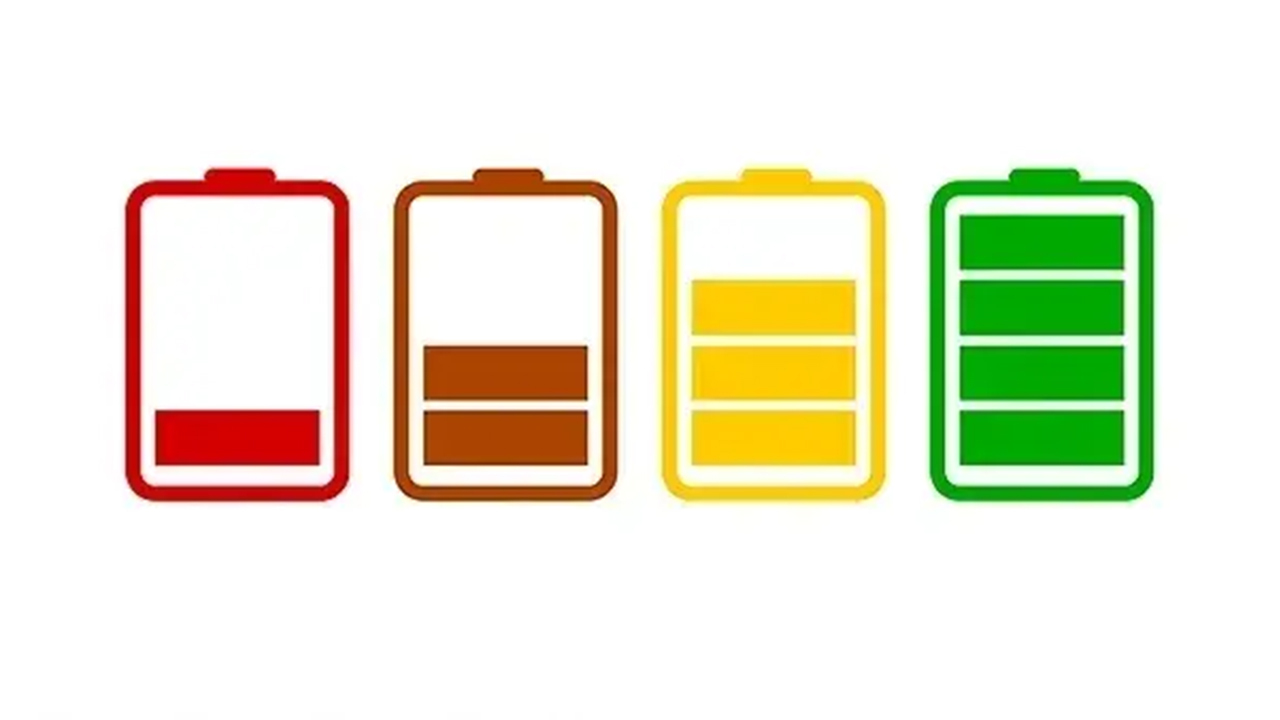
If your phone drops from half charge to empty the moment you step outside, or it shuts off at 20% on a cold morning, you're not imagining it. Lithium-ion batteries hate the cold, and fall and winter in Bucks and Montgomery counties give them plenty of chances to prove it.
Here's what's going on, what you can do when it happens, and when a tired battery is making the problem worse. We Fix Phones N More sees this every year once the temperatures drop.
Your phone's battery produces power through a chemical reaction. When the temperature falls, that reaction slows down. The battery can't deliver power as easily, so the phone may show a sudden drop in charge, throttle performance, or shut off to protect itself even though some charge is still left.
Apple and other manufacturers design phones to work best in a fairly narrow temperature range. Once you're well below that, especially outdoors in wind and freezing air, the battery struggles. Bring the phone back inside and the percentage often climbs again, which can look confusing if you didn't expect it.
On a healthy battery, cold-related shutdowns usually reverse once the phone warms up. On a worn battery that's already lost a lot of capacity, cold weather exposes the weakness. The phone that was "fine" in July starts dying in your pocket every time you walk from the car to the store in January.
If your phone only misbehaves outdoors in the cold, you may just need better habits. If it also dies quickly indoors, shuts off at 30% or 40% on a normal day, or feels warm while charging for no clear reason, the battery itself is probably worn out.
On an iPhone, open Settings, Battery, Battery Health. Maximum Capacity shows how much of the original capacity you still have. On many Android phones, look under Settings, Battery or Device Care for similar information. Our post on signs your phone battery needs replacing walks through the everyday clues as well.
A worn battery plus winter weather is a common reason people in Horsham, Warminster and nearby towns suddenly feel like their phone is unreliable. Replacing the battery often restores the all-day use they used to have.
Overnight in a parked car can push a phone well below the temperatures it's built for. Bring it inside with you.
A battery that bulges, lifts the screen, or makes the case feel uneven is a safety issue in any season. Stop using the phone, don't charge it, and bring it in. Don't press on a swollen battery or try to pry it out yourself.
If your phone has been shutting off randomly, back up your photos and important apps while you still can. A phone that won't stay on is harder to back up later.
If cold weather has turned your phone into a short-lived gadget, We Fix Phones N More can check the battery and walk you through options. We handle phone repair and iPhone repair, including battery service, and our work is covered by a 90-day repair warranty. Stop by 801 County Line Rd in Horsham, call 215-323-4750, or request a quote online.


Copyright © 2026 We Fix Phones N More. All rights reserved.