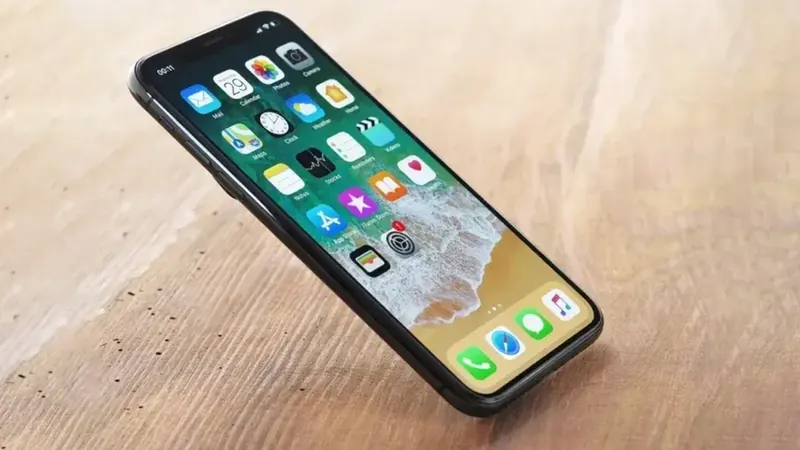
Face unlock and fingerprint sensors are so convenient that you only notice them when they stop working. Suddenly you're typing your passcode dozens of times a day, and apps that used to sign you in with a glance keep asking for passwords.
The good news is that a lot of these problems come down to settings, smudges or accessories, not a broken phone. Here's how we at We Fix Phones N More help customers track down the cause, starting with the easy stuff.
Restart your phone, then check for an iOS or Android software update. Biometric features rely on software as much as hardware, and updates often fix glitches that make them unreliable.
Face ID uses sensors in the notch or the top of the screen. Fingerprint readers sit under the screen, on the power button or on the back. Wipe the area gently with a soft, dry microfiber cloth. Skin oil, makeup, lint and pocket grime can all get in the way.
A thick or poorly fitted screen protector is one of the most common causes of fingerprint trouble on phones with an in-screen reader. A case that covers the top edge of the screen can also block face unlock sensors. Take the case off and test. If you recently added a new protector, see whether it's designed for your exact model. Our guide on how to choose a screen protector explains what to look for.
If none of the steps above help, something inside the phone may be damaged. Common causes include:
Because some of these parts are paired to the phone for security, not every biometric problem can be fixed by simply swapping in a new sensor. That's why it's worth having a technician look before you buy parts online. We'll test your phone, explain what we find and tell you honestly what your options are, including when a fix has to go through the manufacturer.
While biometrics are down, your passcode is your only way in, so make sure you remember it. If you're unsure, now is a good time to confirm your phone is backed up to iCloud or Google so nothing is lost if you're ever locked out.
If Face ID or your fingerprint reader still isn't cooperating, bring your phone to We Fix Phones N More at 801 County Line Rd in Horsham. We help customers from all over Bucks and Montgomery counties with phone repairs of every kind. Stop in or call us at 215-323-4750 and we'll take a look.


Copyright © 2026 We Fix Phones N More. All rights reserved.