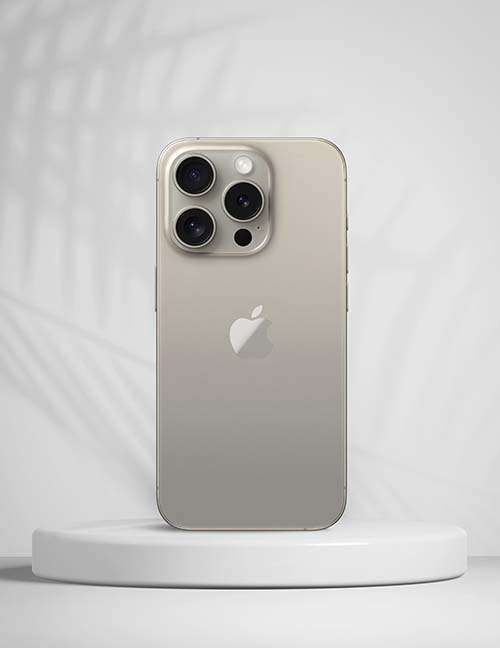
With the holidays coming up, a lot of families start looking at used and refurbished phones. It makes sense. A phone that's a generation or two old can do everything most people need, and it's a practical first phone for a teenager or a reliable backup for a parent.
The catch is that a used phone can come with problems you can't see in a quick look. Here's what to check before you hand over any money, whether you're buying from a neighbor, an online marketplace or a store.
This is the most important check. A phone that's still tied to someone else's account may be impossible to use, no matter how good it looks.
Ask the seller to sign out of their Apple ID and turn off Find My, then erase the phone in front of you. After the reset, the phone should show the Hello setup screen. If it asks for the previous owner's Apple ID and password, walk away. Activation Lock can't be removed without the original owner.
Android phones have a similar feature tied to the Google account. The seller should remove their Google account (and Samsung account, on a Galaxy) before resetting. If the phone asks you to verify the previous owner's account during setup, it isn't ready to sell.
Dial *#06# on the phone, or look under Settings, About. Write down the number it shows.
A phone reported lost or stolen can be blocked from carrier networks. Enter the IMEI in a free checker such as the CTIA Stolen Phone Checker, or ask your carrier to check it.
Some phones are locked to the carrier they were bought from. If the listing says "unlocked," ask how the seller knows, and if you can, test it with your own SIM card before you buy.
A tired battery is one of the most common issues with older phones. On an iPhone, go to Settings, Battery, Battery Health and look at Maximum Capacity. Lower numbers mean shorter battery life. Many Android phones show battery information under Settings, Battery or Device Care. A worn battery isn't a dealbreaker, since it can be replaced, but factor it into what you're willing to pay. Our post on signs your phone battery needs replacing covers what to watch for.
Spend ten minutes with the phone before you decide.
On recent iPhones, Settings, General, About may show a Parts and Service History section listing replaced parts and whether they're genuine. A repair isn't necessarily bad, but you deserve to know about it.
Fogging under the camera lens, corrosion in the charging port, or a screen with unusual blotches can point to liquid damage that may cause trouble later.
Check that the phone can run a current version of iOS or Android. Phones that no longer get software updates also stop getting security fixes, and some apps eventually stop supporting them.
If you're meeting a stranger, choose a busy public place in daylight. Many local police stations offer safe exchange spots. Avoid paying with gift cards or wiring money, and get a simple written receipt with the IMEI on it.
Buying from a local shop takes most of the guesswork out of it. At We Fix Phones N More, we buy and sell phones and other devices, and we're happy to look over a phone you're thinking about buying elsewhere. If it needs a new battery or screen, we can take care of that too. Stop by 801 County Line Rd in Horsham or call 215-323-4750.


Copyright © 2026 We Fix Phones N More. All rights reserved.



.jpeg)


