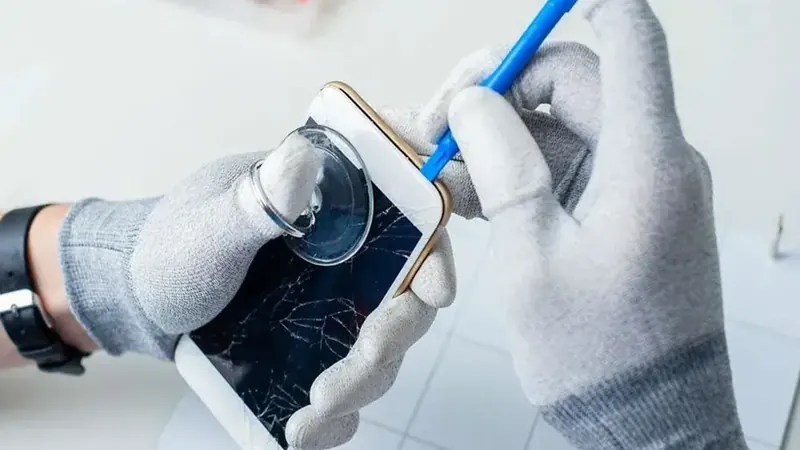
Your phone took a small bump, or maybe nothing happened at all, and now there's a thin green or pink line running down the screen. Or a black spot has appeared in one corner and seems to be growing. Maybe the picture flickers, shows colored static or has a section that stays dark.
These problems are different from a cracked screen, and they can show up even when the glass looks perfect. At We Fix Phones N More, we see display problems like these all the time. Here's what they usually mean, a few checks you can try at home and what to do next.
A phone screen has two main layers: the cover glass you touch, and the display panel underneath that makes the picture. On most modern phones, these layers are bonded together into one part. The glass can survive a drop while the panel underneath is damaged, and that's when you see lines, spots or glitches instead of cracks.
A single colored line, or a group of lines, usually points to damage in the display panel or its connection. Lines often appear after a drop or pressure on the phone, such as sitting on it in a back pocket. In some cases, a line has appeared after a software update on certain models, so it's worth checking for updates before assuming the worst.
Many phones use OLED screens. When an OLED panel is damaged, it can show a black or purple blotch that looks like spilled ink. These spots often spread over time, sometimes slowly and sometimes quickly, until large parts of the screen go dark.
Flickering or static can come from a damaged panel, a loose display connector inside the phone or, less often, a software problem. Liquid damage can also cause any of these symptoms. If your phone got wet recently, see our post on what to do when your phone gets wet.
If the screen also responds on its own or ignores your taps, the touch layer may be affected too. Our post on touchscreen and ghost touch problems has more on that.
Display damage can get worse without warning, and a screen that goes completely black makes it much harder to get to your photos and messages. While you can still see enough of the screen, run a backup to iCloud, Google or your computer. Our post on a simple backup plan walks you through it. If the screen has already gone dark and you need your data, our data recovery service may be able to help.
Yes, in most cases. Lines, spots and flickering that come from hardware damage are usually fixed by replacing the display assembly, which includes the glass and the panel together. If the cause is a loose connector, it may only need to be reseated. We'll check the phone, find the cause and explain your options before doing any work. Your photos and apps normally stay on the phone during a screen repair.
Learn more about our phone repair services, including iPhone repair and Samsung repair. Tablets can have the same display problems, and our tablet repair team can help with those too.
After a screen repair, a good case and screen protector help prevent the next problem. Screen protectors from We Fix Phones N More come with a lifetime guarantee. Our guide to choosing a screen protector explains the options.
If your phone has lines, black spots or a glitchy picture, back it up and bring it to We Fix Phones N More at 801 County Line Rd in Horsham. Walk-ins are welcome, and you can also book an appointment. Our repairs come with a 90-day warranty, and we serve customers across Bucks and Montgomery counties. Visit us or call 215-323-4750.


Copyright © 2026 We Fix Phones N More. All rights reserved.