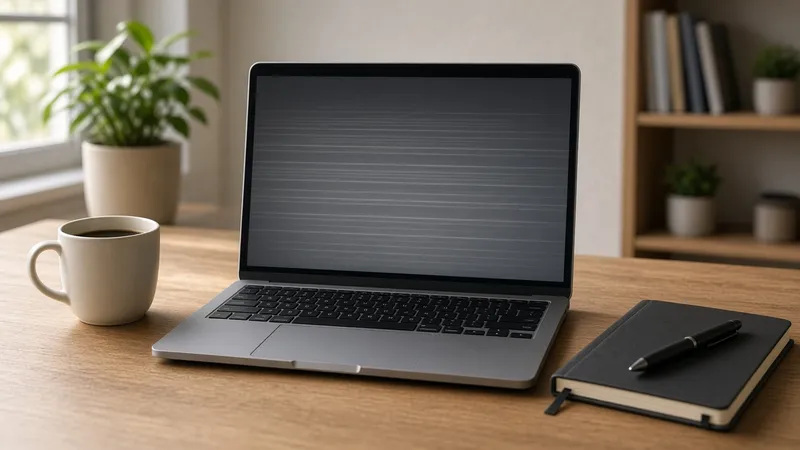
Your laptop screen is the one part you look at every minute you use it, so when it starts flickering, showing lines or going dark, it's hard to ignore. Sometimes it's a simple setting. Other times it's a loose cable or a damaged panel that needs replacing.
Here's how we at We Fix Phones N More help customers figure out which one they're dealing with before spending money on the wrong fix.
This is the single most useful test. Connect your laptop to a monitor or TV with an HDMI or USB-C cable. If the picture looks perfect on the external screen, the computer itself is working and the problem is in the laptop's own display, its cable or its backlight. If the external screen has the same flicker or lines, the cause is more likely software or the graphics hardware.
If the screen flickers, goes black or shows lines when you tilt the lid, the display cable that runs through the hinge may be loose or worn. That's a hardware repair, and it's best handled before the cable fails completely.
Lines that appear before the operating system even loads, such as on the startup logo, usually mean the panel or its cable is damaged. Pressure from closing the lid on a pen or earbuds can cause this too. Software can't fix a physically damaged panel.
If you hear the fan, see keyboard lights or hear startup sounds but the screen stays black, shine a flashlight at the display at an angle. If you can faintly see the desktop, the backlight has failed but the panel may still be fine. Also try the brightness keys, since it's easy to turn brightness all the way down by accident. If nothing powers on at all, our guide on what to check when a laptop won't turn on is a better place to start.
Cracks tend to spread, and broken glass or a damaged panel can get worse with every open and close. Avoid pressing on the cracked area, keep the lid closed gently and use an external monitor in the meantime if you can.
A screen problem doesn't usually put your data at risk, but it's still smart to back up before any repair. If you can't see your screen well enough to work, connect an external monitor and copy your important files to an external drive or cloud storage. Our post on a simple backup plan for your family's devices has easy options.
Replacing a laptop screen is a common repair, and on many models it's well worth doing, especially if the rest of the computer runs well. If your laptop is older and also slow, has a weak battery or other issues, it may be time to weigh your options. Our article on whether to repair or replace an old computer can help you decide.
Whether your laptop screen is flickering, cracked or just won't light up, the team at We Fix Phones N More can test it and tell you exactly what's wrong. Our computer repair services cover Windows laptops and MacBooks, and repairs come with a 90-day warranty. Visit us at 801 County Line Rd in Horsham, serving Bucks and Montgomery counties, or call 215-323-4750.


Copyright © 2026 We Fix Phones N More. All rights reserved.